

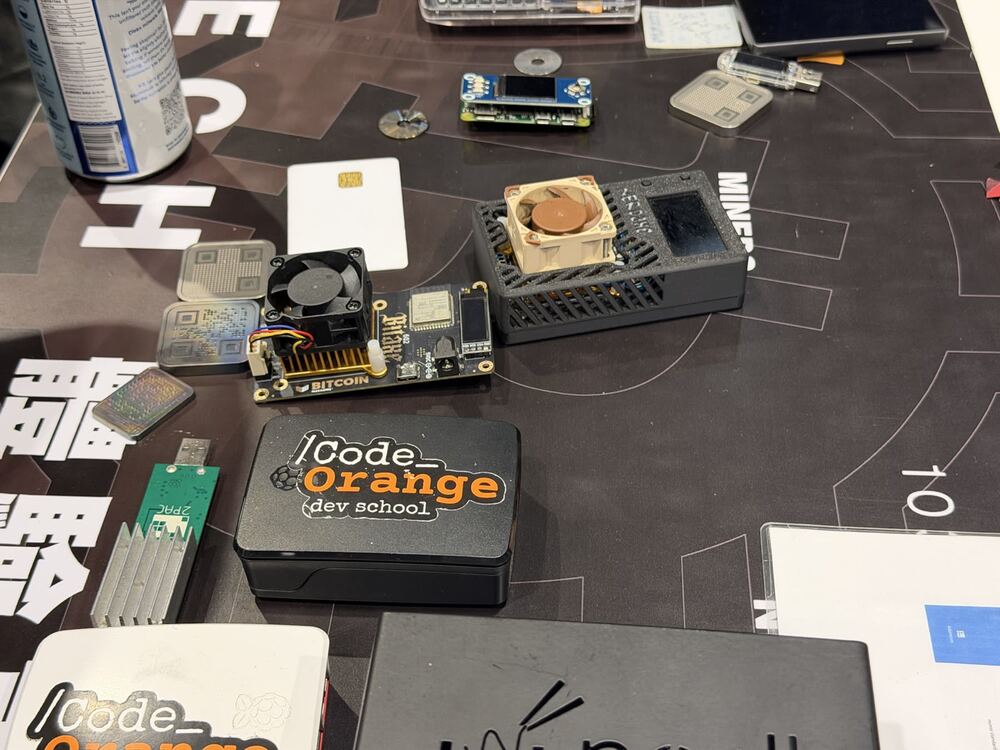
A Bitcoin node is a computer that keeps its own copy of the Bitcoin blockchain and checks every rule by itself. If you want to know how to run a Bitcoin node, this guide walks you through it in plain English: why it is worth doing, what you need, and the easiest setups for a beginner.
At Code Orange Dev School in Bali we set up nodes at our workshops all the time. It is one of the first hands-on skills we teach, because it changes how you use Bitcoin.
Why run your own Bitcoin node?
When you use a wallet without your own node, the wallet asks someone else’s server about your balance and your transactions. That server learns your addresses and your IP address. It also decides what "the truth" is for you.
Running your own node fixes three things:
- You verify, not trust. Your node checks every block and transaction against Bitcoin’s rules. Nobody can tell you a fake balance or sneak in extra coins.
- Privacy. Your wallet talks only to your own node, so no outside server sees which addresses are yours. This is a big topic in our Privacy Track.
- You help the network. Every node that enforces the rules makes Bitcoin harder to change against its users’ will.
If you already hold your own keys (see Why Self-Custody Matters), running a node is the natural next step.
What do you need to run a Bitcoin node?
Less than most people think:
- A computer that can stay on. An old laptop, a small mini-PC or a Raspberry Pi is fine.
- Storage. The full blockchain is well over 600 GB and keeps growing, so plan for a 1 TB or 2 TB SSD. Short on space? "Pruned" mode keeps only recent blocks and needs just a few GB (more on that below).
- Memory. 4 GB of RAM works, 8 GB is more comfortable.
- Internet. A normal home connection. The first download is several hundred GB, so avoid a capped mobile plan.
- Patience. The first sync (called the initial block download) can take from a day to a week, depending on your hardware.
Option 1: Bitcoin Core on your laptop or desktop
Bitcoin Core is the reference software that most of the network runs. It is free and open source.
- Download Bitcoin Core from bitcoincore.org and verify the download (the site explains how).
- Install it and open it. Choose where to store the data.
- If your disk is small, tick "Limit block chain storage" (pruning). Your node still checks every block; it just deletes old ones after checking.
- Leave it running until the sync reaches 100%.
That is it: you are running a full node. Bitcoin Core also includes a basic wallet, but most people connect a friendlier wallet to it (see below).
Best for: learning, developers, anyone with a spare laptop.
Option 2: A plug-and-play node box
If you want a node that runs 24/7 at home with a simple web dashboard, use a node operating system such as Umbrel or Start9. You can buy ready-made boxes or install them on your own mini-PC.
They let you add apps with one click: Bitcoin Core, an Electrum server for your wallets, a block explorer like mempool, Lightning, and even a BTCPay Server to accept payments. At Code Orange we use both: an Umbrel box runs our own BTCPay Server, and a Start9 server powers our Fedimint and agent-wallet workshops.
Best for: people who want "set and forget", families, small businesses.
Option 3: Raspberry Pi
A Raspberry Pi with an external SSD is the classic low-cost, low-power node. Projects like RaspiBlitz and the Umbrel image make it easy. It is slower to sync than a laptop, but it uses very little electricity and can run quietly in a corner for years.
Best for: tinkerers on a budget.
Option 4: A light node with Floresta
New tools are making nodes much lighter. Floresta is a lightweight node that uses Utreexo, a way to verify the chain while storing only a tiny summary instead of the full set of coins. It still checks the rules itself, but can run on far smaller hardware, even a phone.
Floresta is open source and young, so it is a great project to learn from and contribute to. Developers in the Code Orange community are working on it right now.
Best for: small devices, and developers who want to contribute.
Connect your wallet to your node
A node only protects your privacy if your wallet uses it. Popular wallets that can connect to your own node:
- Sparrow Wallet (desktop): connect it to Bitcoin Core directly, or to an Electrum server on your node box. See the Sparrow docs.
- Electrum-compatible wallets: point them at your node’s Electrum server.
- Mobile wallets that support a custom node or Electrum server, often over Tor.
Once connected, check your wallet’s server settings: it should show your node’s address, not a public server.
Common beginner mistakes
- Using a slow hard drive. An old spinning disk can make the first sync take weeks. Use an SSD.
- Turning it off too often. It is fine to shut down, but your node has to catch up each time.
- Running a node but not using it. If your wallet still talks to a public server, you get none of the privacy.
- Skipping the download check. Always verify Bitcoin Core before installing.
Learn it hands-on with us
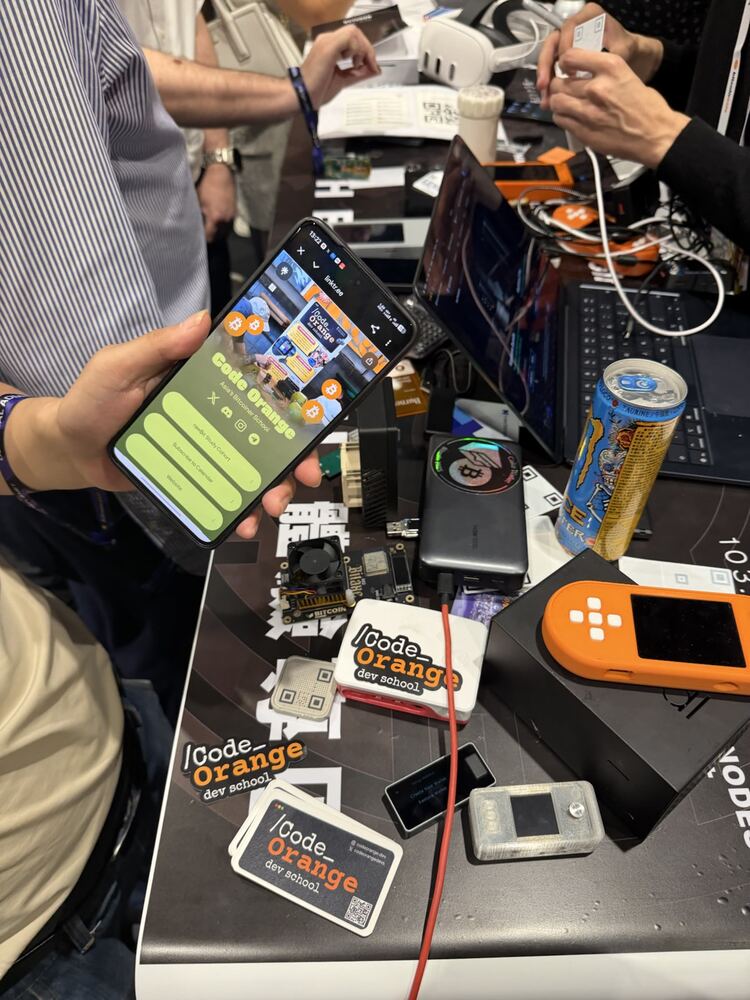
The fastest way to learn is to sit next to someone who has done it. At our free workshops we set up nodes, connect wallets and look at real transactions together. Check the calendar for the next session in Bali or online, or browse all our programs.
Next step: join the Code Orange Discord and ask your node questions. Someone will help you get yours running.
Frequently asked questions
Is it legal to run a Bitcoin node?
In most countries, yes. A node is just open-source software that downloads and checks public data. Check your local rules if you are unsure.
Do I earn bitcoin by running a node?
No. Nodes do not earn rewards; miners do. You run a node for verification, privacy and to support the network.
How much does it cost to run a Bitcoin node?
It can be free on a spare laptop. A dedicated box with a 2 TB SSD usually costs a few hundred dollars, and the electricity is about the same as a small light bulb.
What is the difference between a full node and a pruned node?
Both check every rule. A full node keeps every block forever; a pruned node deletes old blocks after checking them to save disk space.
Can I run a Bitcoin node on my phone?
Light nodes such as Floresta are making this possible, but for now a laptop, mini-PC or Raspberry Pi is the easiest choice.
Where can I learn to run a Bitcoin node in Bali?
Code Orange Dev School runs free hands-on workshops in Bali and online. See the calendar.