
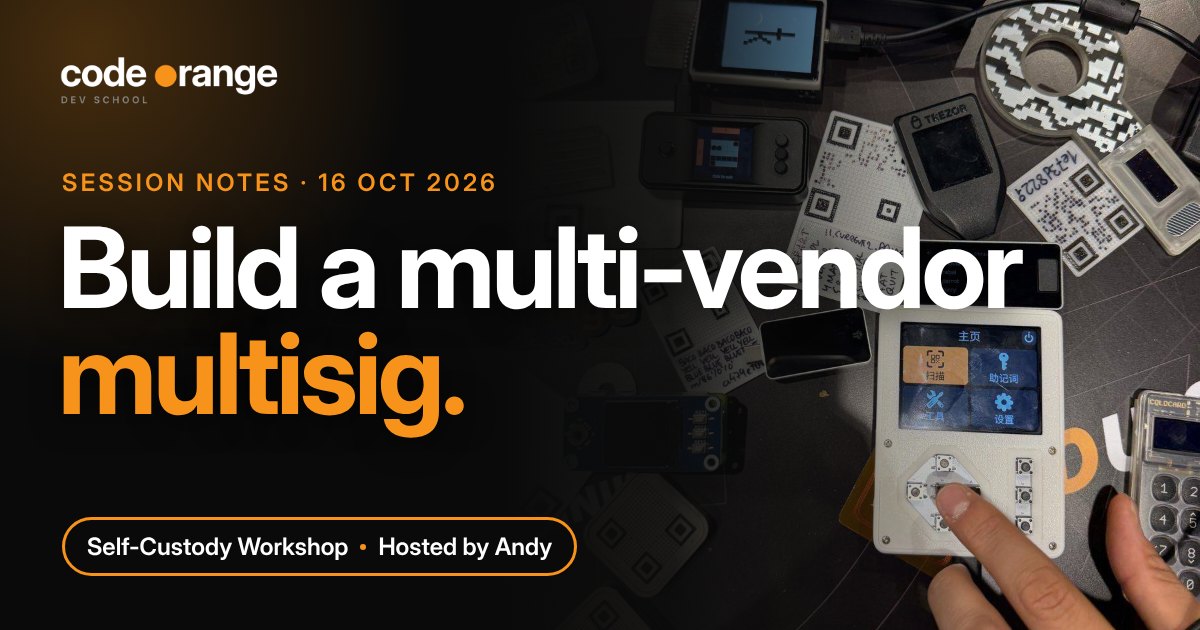
Full recording. Plays from youtube-nocookie.com. Watch on YouTube
TL;DR
- Multisig from different vendors means one bad device can't take your coins.
- 2-of-3: any two keys can spend, so you can lose one and still be fine.
- Back up the wallet file (output descriptor) everywhere. Without it you can't rebuild the wallet.
- New to self-custody? Start with one hardware wallet, then a passphrase, then multisig.
Highlights
Can you sleep well at night? The call opened with a simple question. If your whole stack sits on one Ledger, Trezor or Coldcard and you read about a supply chain attack on that brand, what then? The call brought up recent news of a Ledger supply chain attack through resellers and a Coldcard exploit. Spreading your keys across different vendors means one bad device can’t take your coins.
1Build the 2-of-3 in Sparrow
Andy built the wallet live in Sparrow with three hardware wallets from three different companies, then spent from it with two of them.
Live demo
Three vendors, any two can spend
- New wallet → policy type Multi Signature, slider set to 2 of 3.
- Keys 1 and 2: plug in, enter the PIN, Connected Hardware Wallet → Scan → Import Keystore.
- Key 3 (air-gapped): on the Coldcard, Advanced Tools → Export Wallet → Sparrow, then load the JSON file from the microSD card.
- Spend: Trezor signs over USB, then the unsigned transaction (a PSBT) goes to the Coldcard on the microSD card, gets signed and comes back to Sparrow to broadcast.
Check: each key’s derivation path should read m/48'/0'/0'/2', the standard path for native SegWit multisig (BIP 48).
2Restore it in another app
What if Sparrow stops being maintained one day? Andy rebuilt the same wallet in Nunchuk: export the wallet from Sparrow (Settings → Export), then in Nunchuk choose Recover existing wallet → via BSMS/descriptor. He added the three keys again, signed with the Ledger and the Trezor, and sent the rest of the coins. Importing the raw descriptor needed manual edits, so the exported file was the easier route.
Key takeaways
1. The wallet file matters as much as the keys. The output descriptor is the blueprint of a multisig. With only two seeds and no descriptor, rebuilding the wallet is very hard. Anyone who finds it can see your balance and history, but can’t spend.
Seed phraseCan spend (with one other key). Keep each one in a different place.
Output descriptorCan’t spend, but reveals every transaction. Keep copies in many places.
Hardware walletHolds one key. Buy it straight from the maker, never a reseller.
“On average, the biggest risk to your bitcoin is not the hacker. It’s you.”
One of the hosts, who once lost $13 in a test multisig by forgetting which keys he had used
2. Climb one step at a time. Multisig is the most advanced setup, and it’s easy to lock yourself out.
Where to start
2-of-3 across vendors. One stolen device or seed can’t spend your coins.
Sparrow · NunchukA secret extra word on top of your seed. A found seed alone opens nothing.
Keep it apart from the seedKeys stay on the device, not on your phone or laptop.
Jade · Trezor · BitBoxPractise sending and receiving with $10 first.
BlueWallet3. 2-of-4 is possible too. An extra key protects against a dead device, but means one more place to keep safe. There is no perfect setup, only the one you can actually manage.
Resources shared
Tools
- Sparrow Wallet: desktop wallet used to build the multisig. There is no Sparrow mobile app, so a 'Sparrow' app on your phone is a scam
- Nunchuk: multisig wallet with desktop and mobile apps, used to restore the wallet. A dedicated Nunchuk workshop is planned
- BlueWallet: mobile wallet to practise sending and receiving with a few dollars first
- Cake Wallet: mobile wallet that supports PayJoin and Silent Payments, used to receive on the call
- Trezor: key 1 in the demo, connected by USB
- Ledger: key 2 in the demo, connected by USB
- Coldcard Q: key 3 in the demo, air-gapped with a microSD card
- Blockstream Jade: recommended for beginners
- BitBox02: recommended for beginners, made in Switzerland
- OneKey: another option popular in Asia
Reading
- BIP 48: Multi-script hierarchy for multisig wallets: where the m/48'/0'/0'/2' path for native SegWit multisig comes from
- Sparrow Wallet docs: guides for multisig, coin control and airgapped signing
Code Orange
- Privacy Developer Track: every 1st and 3rd Tuesday, next one 20 October
Ideas for future sessions: a Nunchuk deep dive (miniscript, group wallets, inheritance), planned for December, and a passphrase wallet demo.
These notes are also on GitHub: code-orange-dev/session-notes. Free to share and reuse (CC0).