

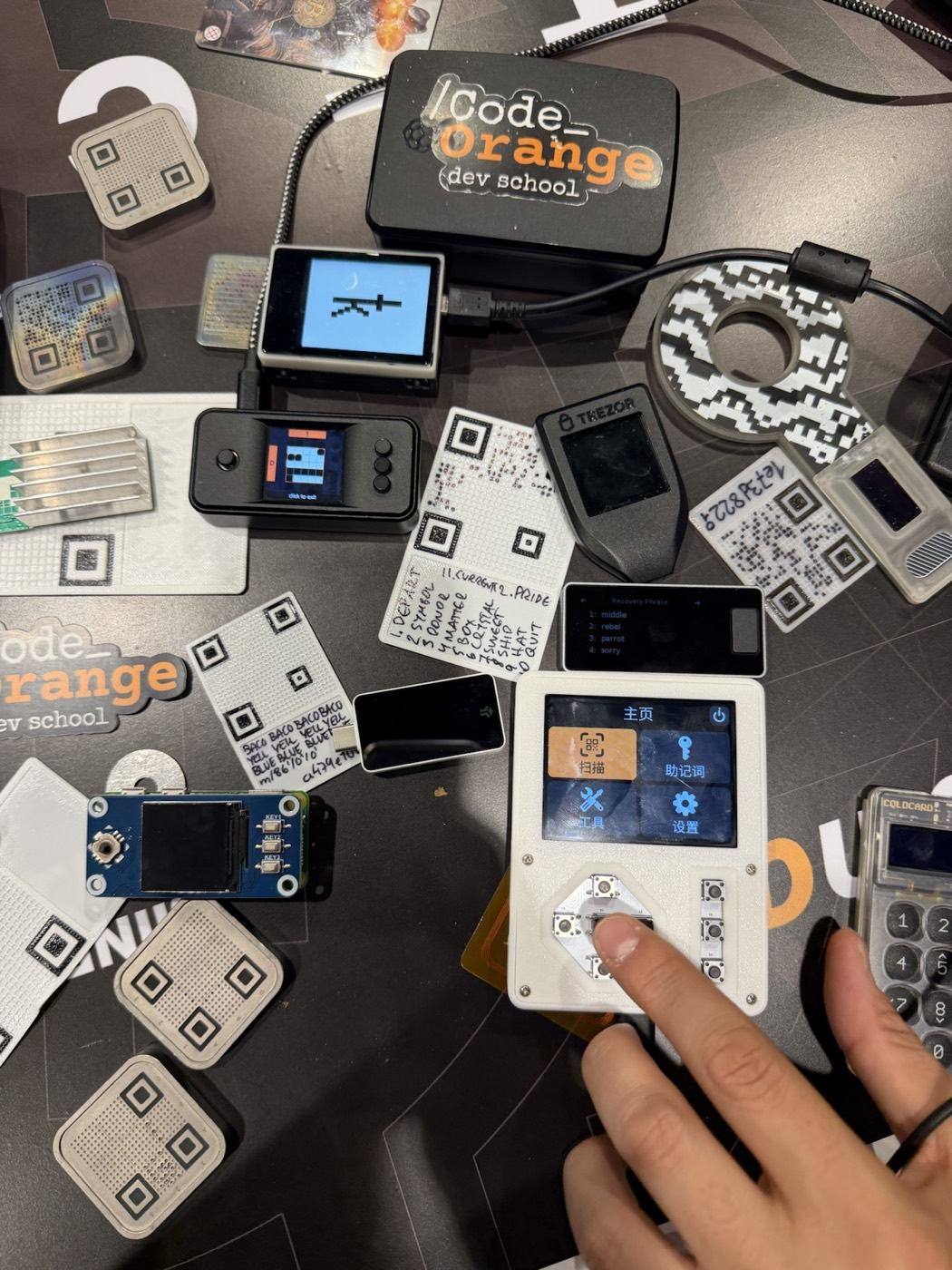
Once you decide to hold your own bitcoin, the next question comes fast: is one hardware wallet enough, or do you need multisig? Search "multisig vs hardware wallet" and you will find strong opinions on both sides. The honest answer is that it depends on how much you hold, and how much complexity you can handle without making mistakes.
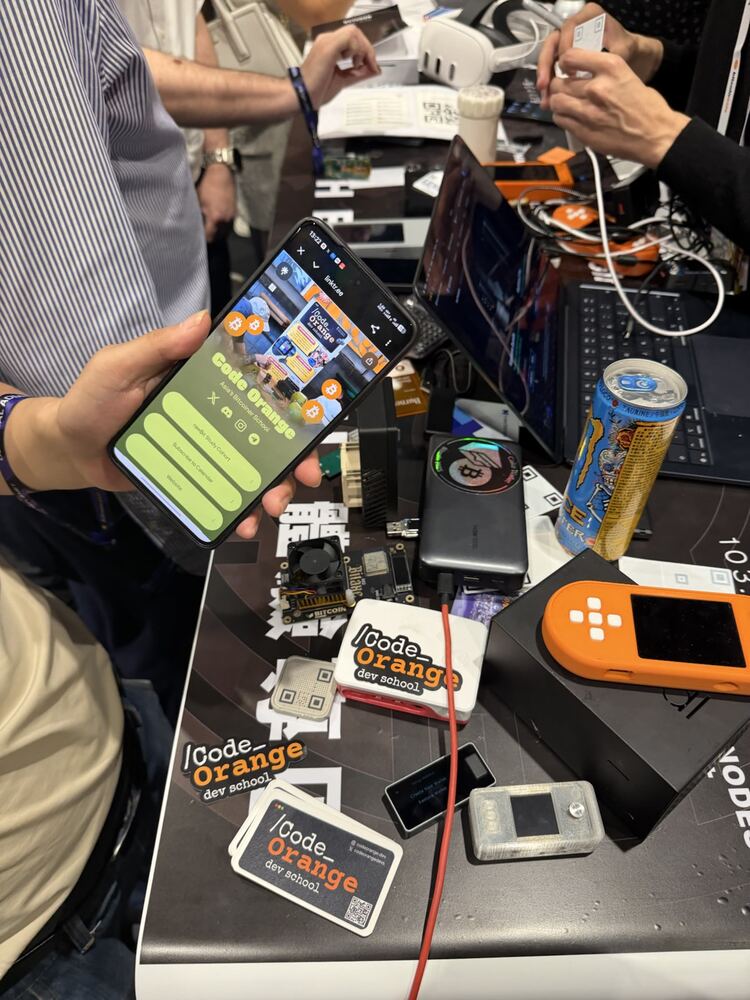
This guide is based on what we teach in our monthly self-custody workshops at Code Orange Dev School, including a live session where we built a multisig from three different hardware wallets.
What a hardware wallet does
A hardware wallet is a small device that keeps your private keys offline. When you send bitcoin, the transaction is signed on the device, so your keys never touch your phone or computer. Popular options include Trezor, Ledger, Coldcard, Blockstream Jade and BitBox02.
A single hardware wallet protects you well against the most common threats: malware on your laptop, phishing sites and exchange hacks.
What it does not protect you from:
- Losing your seed words (the 12 or 24 backup words). Lose the device and the seed, and the bitcoin is gone.
- Someone finding your seed words. Whoever has them can take everything.
- A problem with that one device or brand, such as a bug or a tampered device bought from a reseller.
What multisig does
Multisig (short for multi-signature) means a wallet needs more than one key to spend. The most common setup is 2-of-3: there are three keys, and any two of them can sign a transaction.
That gives you two big advantages:
- You can lose one key and still be fine. The other two can still spend and move your coins to safety.
- One stolen key is not enough. A thief who finds one seed can’t take your bitcoin.
With multi-vendor multisig you go one step further and use a different brand of hardware wallet for each key. In our workshop we used a Trezor, a Ledger and a Coldcard Q. If one vendor ever has a security problem, it can’t take your coins on its own.
As Andy put it in the session: can you sleep well at night if your whole stack is on one device, and you read about an attack on that brand?
The catch: multisig is easier to get wrong
Multisig removes single points of failure, but it adds moving parts. The biggest one people miss is the wallet file, also called the output descriptor.
In a normal wallet, your seed words are enough to get everything back. In a multisig, you also need the descriptor: the blueprint that says which keys belong together and how many are needed to sign. Without it, rebuilding a multisig wallet is very hard, even if you have all your seeds.
The good news: the descriptor can’t be used to spend. Someone who finds it can see your balance and history, but can’t move your coins. So keep copies in many places, and keep each seed in a different place.
One of the hosts in our workshop said it well: "On average, the biggest risk to your bitcoin is not the hacker. It’s you." He once lost a small amount in a test multisig by forgetting which keys he had used. That is exactly why you practise with small amounts first.
Multisig vs hardware wallet: a quick comparison
| One hardware wallet | 2-of-3 multisig | |
|---|---|---|
| Keys needed to spend | 1 | 2 |
| Lose one key or seed | Funds at risk | Still fine |
| Someone finds one seed | They can take everything | Not enough to spend |
| One device or brand has a flaw | Funds at risk | Protected (if multi-vendor) |
| What you must back up | Seed words | All seeds plus the wallet file |
| Setup difficulty | Easy | Medium |
Which one is right for you?
There is no prize for jumping straight to the most complex setup. We recommend climbing one step at a time:
- A mobile wallet with a small amount. Practise sending and receiving with something like BlueWallet, using money you don’t mind losing.
- One hardware wallet. Buy it straight from the maker, never from a reseller. Write down the seed and test a restore.
- Add a passphrase. A secret extra word on top of your seed, so the seed alone isn’t enough.
- Multisig. Once your savings are large enough that a single point of failure keeps you up at night.
A rough rule: if losing what you hold would change your life, it is time to learn multisig.
How to set up a 2-of-3 multisig
Here is the setup we did live, using Sparrow Wallet on a computer:
- Create a new wallet and choose Multi Signature, set to 2 of 3.
- Connect two hardware wallets over USB and import their keys.
- Add the third key from an air-gapped device (we used a Coldcard Q with a microSD card).
- Check every key uses the same multisig path (
m/48’/0’/0’/2’, from BIP 48). - Export the wallet file and store copies safely.
- Send a small test amount, then spend it with two keys.
- Restore the wallet in a second app (we used Nunchuk) to prove your backup works.
The full walkthrough, with the recording, is in our session notes from the multisig workshop.
Learn it with people, not alone
Self-custody is much easier when someone can watch over your shoulder the first time. We run a free self-custody workshop every month on Discord and in Bali, where you can bring your devices and ask anything. Start with our article Why Self-Custody Matters, then check the calendar for the next session.
The easiest next step: join the Code Orange Discord and come to the next self-custody workshop.
Frequently asked questions
Is multisig safer than a hardware wallet?
A well-backed-up multisig removes single points of failure, so it protects against more risks. But it is easier to make mistakes with, so a single hardware wallet you understand is safer than a multisig you don’t.
What happens if I lose one key in a 2-of-3 multisig?
You can still spend with the other two keys. Move your coins to a new multisig with three fresh keys as soon as you can.
Do I need different brands of hardware wallet for multisig?
It is not required, but using different vendors means one faulty or compromised device brand can’t put all your keys at risk.
What is an output descriptor?
It is the wallet file that describes your multisig: which keys belong to it and how many are needed to sign. You need it to restore a multisig, so back it up in several places.
Which hardware wallet is best for beginners?
At our workshops we recommended Blockstream Jade, BitBox02 or OneKey for beginners. Whatever you choose, buy it directly from the maker.