

You tap "send" in a wallet, and a few minutes later the money has arrived somewhere on the other side of the world. No bank was asked and no company approved it. So how does a bitcoin transaction work?
This guide follows one payment from the moment you press send to the moment it’s buried deep in the blockchain. It’s the same journey we walk through in week 2 of our free Decoding Bitcoin cohort, written in plain English with no maths.
First, forget "accounts"
Your bank keeps a balance for you: one number that goes up and down. Bitcoin doesn’t work like that.
Bitcoin keeps a list of unspent coins. Each one is called a UTXO (unspent transaction output). A UTXO is a chunk of bitcoin with a lock on it, and only the right key can open that lock. Your "balance" is just your wallet adding up all the UTXOs it can unlock.
Think of it like cash in a wallet. You might have a 50, a 20 and a 5. You don’t have "75", you have three notes that happen to add up to 75.
Step 1: Your wallet picks coins (the inputs)
Say you want to send 0.03 BTC to a friend, and your wallet holds two UTXOs: one of 0.02 BTC and one of 0.05 BTC.
The 0.02 isn’t enough, so your wallet picks the 0.05 coin. The coins a transaction spends are called its inputs. A transaction can have one input or hundreds.
Here’s the important bit: a UTXO is always spent in full. You can’t tear a bit off a coin. The whole 0.05 gets used up.
Step 2: It creates new coins (the outputs)
If the whole 0.05 is spent, where does the rest go? Into new coins, called outputs:
- 0.03 BTC locked to your friend’s address. That’s the payment.
- About 0.0199 BTC locked to a new address of your own. That’s your change, just like the change a shop hands back.
Add up the outputs and you’ll notice they come to a little less than 0.05. The gap isn’t a mistake.
Step 3: The fee is whatever’s left over
There’s no "fee" line in a Bitcoin transaction. The fee is simply inputs minus outputs. In our example, 0.05 in and 0.0499 out leaves 0.0001 BTC for the miner who includes the transaction in a block.
Fees depend on how much space your transaction takes up in a block (measured in virtual bytes), not on how much money you send. Sending 1 BTC with one input can cost less than sending 0.001 BTC with twenty small inputs. When lots of people want block space, the fee per byte goes up. Sites like mempool.space show current fee rates.
Step 4: You sign it
Now your wallet has to prove you’re allowed to spend that 0.05 coin. It uses your private key to make a digital signature for this exact transaction.
Anyone can check the signature against your public key, but nobody can make one without the private key. The signature also covers the outputs, so if someone changed your friend’s address along the way, the signature would no longer match and the network would reject it.
This is why "not your keys, not your coins" matters. Whoever holds the key can sign. If you want to go deeper, our Hardware Wallet or Multisig? guide covers keeping that key safe.
Step 5: It’s broadcast to the network
Your wallet sends the signed transaction to a Bitcoin node, and that node passes it to the nodes it’s connected to, and so on. Within seconds, thousands of computers around the world have a copy.
Every node checks it independently:
- Do the input coins really exist, and are they unspent?
- Are the signatures valid?
- Are the outputs no bigger than the inputs?
If anything’s wrong, the transaction is dropped. Nobody has to trust your wallet, because every node verifies the rules for itself. Running your own node means you check them too. See How to Run Your Own Bitcoin Node.
Step 6: It waits in the mempool
Valid transactions that aren’t in a block yet sit in each node’s mempool (memory pool), a waiting room for unconfirmed transactions.
Miners pick transactions from the mempool to fill the next block, usually the ones paying the highest fee per byte first. If you paid a low fee on a busy day, you might wait a while. Many wallets let you speed things up later with Replace-By-Fee (RBF), which re-sends the same payment with a higher fee.

Step 7: A miner puts it in a block
Miners bundle transactions into a candidate block and race to find a valid proof of work, a number that makes the block’s hash meet the network’s difficulty target. On average, someone finds one about every 10 minutes.
When a miner succeeds, they broadcast the block. Nodes check it, and if it follows the rules, they add it to their copy of the blockchain. Your transaction now has one confirmation. The miner collects the block reward plus all the fees, including yours.
Step 8: Confirmations pile up
Every new block added on top makes your transaction harder to undo, because rewriting it would mean redoing all that proof of work faster than the rest of the network. Each block on top counts as one more confirmation.
A common rule of thumb:
- 0 confirmations: in the mempool, not final. Fine for a coffee from a friend, risky for a car.
- 1 confirmation: in a block. Good for everyday amounts.
- 6 confirmations (about an hour): treated as final by most exchanges and businesses.
Your friend’s wallet now sees a new 0.03 BTC UTXO it can unlock. When they spend it, the whole journey starts again.
The whole journey in one line
Pick coins → create outputs (payment + change) → leftover is the fee → sign → broadcast → wait in the mempool → mined into a block → confirmations pile up.
Want to see it for real?
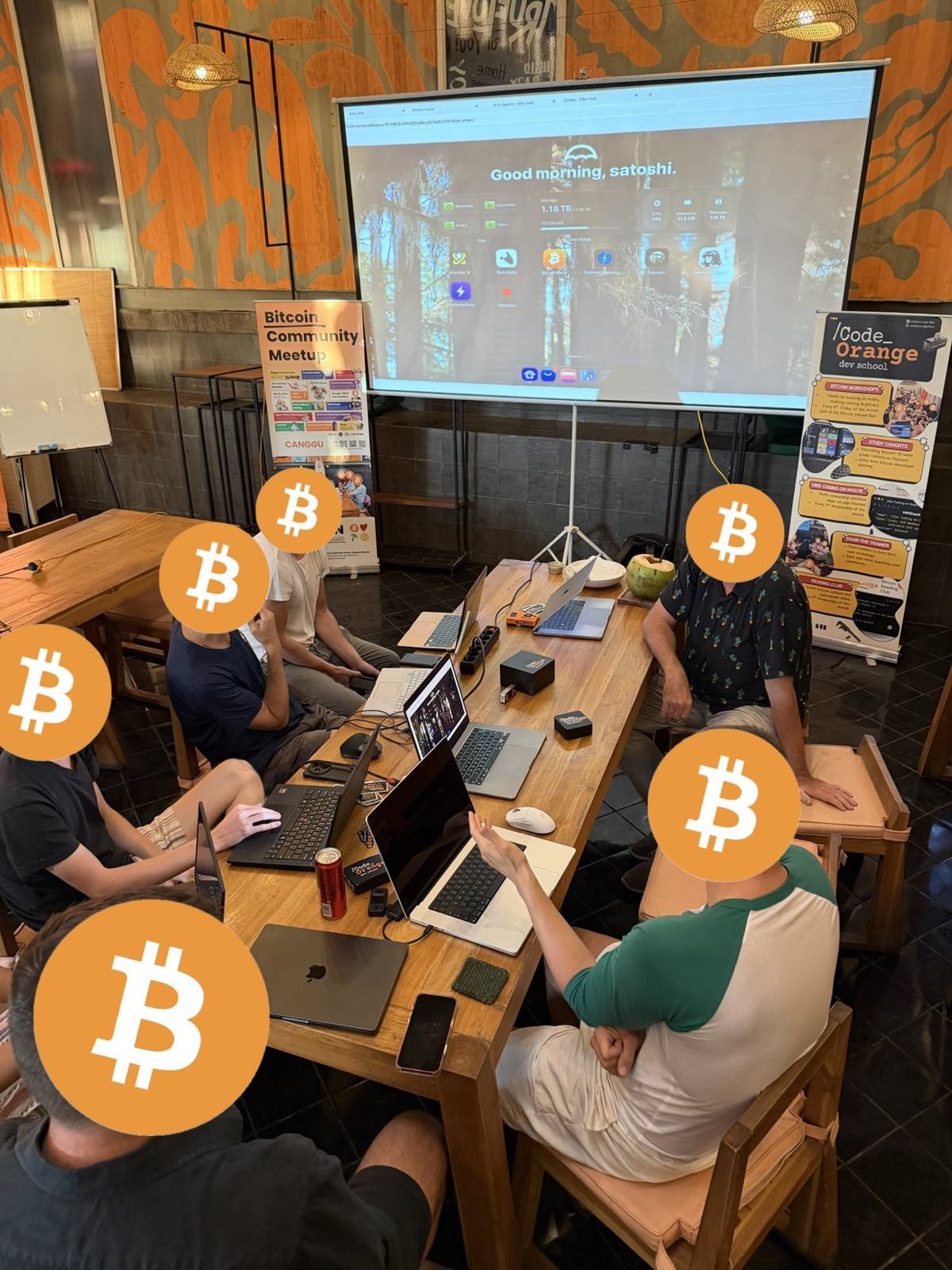
Reading about transactions is one thing. Taking one apart byte by byte is another. In Decoding Bitcoin, a free 10-week cohort that meets on Discord every Monday, we use the lessons from The Bitcoin Dev Project to do exactly that, together. You can catch up on week 1 in our session notes, and it’s not too late to join.
If you want a more technical walkthrough, learnmeabitcoin.com breaks down every field of a raw transaction.
Frequently asked questions
How does a bitcoin transaction work, in short?
Your wallet spends one or more unspent coins (inputs), creates new coins for the receiver and your change (outputs), signs it with your private key, and broadcasts it. Nodes check it, it waits in the mempool, and a miner adds it to a block.
What is a UTXO?
An unspent transaction output: a chunk of bitcoin locked to an address. Your wallet balance is the sum of all the UTXOs your keys can unlock.
Why did my transaction send money back to me?
That’s change. Coins are always spent in full, so any amount above the payment and fee comes back to a new address in your own wallet.
How long does a bitcoin transaction take?
It reaches the network in seconds. The first confirmation usually comes within 10 to 30 minutes, depending on the fee you paid and how busy the network is.
Can a bitcoin transaction be reversed?
Not once it’s confirmed and buried under a few blocks. Before it confirms, the sender can sometimes replace it with a higher-fee version (RBF), which is why unconfirmed payments aren’t final.
The easiest next step: join the Code Orange Discord and come to Monday’s Decoding Bitcoin session.